Smart Pass Ready @ web app
Contents
SERVICE STATUS
Checking...
Origin of the character「晒」
The character「晒」 functions as a complement.
It conveys meanings like “all”, “completely” or “finished”.
Want more detailed? Please check here.
📷 Scan this QR code with your phone

Or click/tap the QR code above to open the page directly.
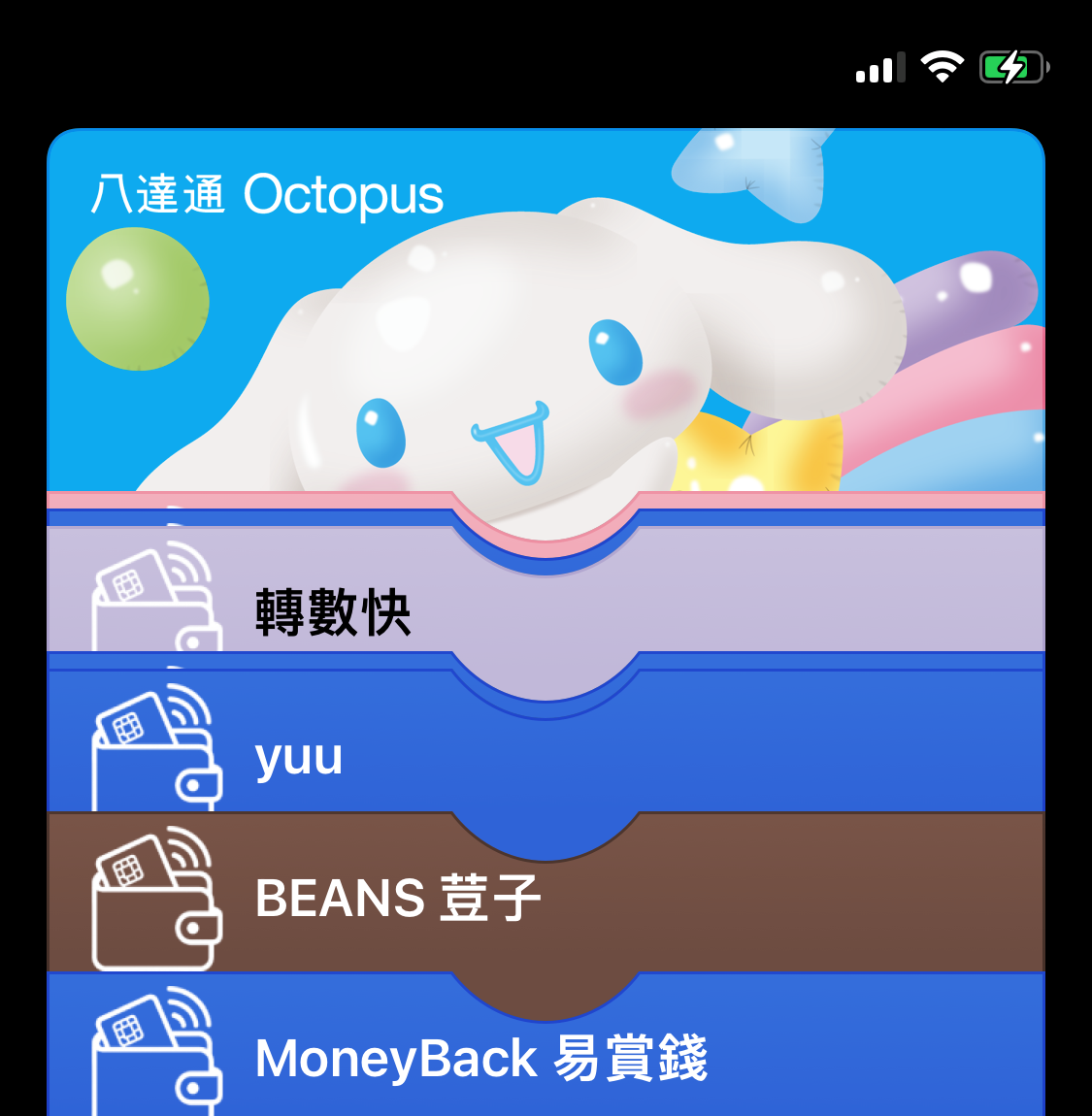
Welcome to the Smart Pass Ready — a simple tool that helps you create an Apple Wallet pass.
🔍 Features
- 📷 Scan Support: Compatible with QR Code and Aztec Code.
- 🧑 Custom Info: Enter pass name and owner name.
- 🎨 Color Picker: Choose from 10 vibrant pass color.
- 📍 Optional Location: Use your location or pick a spot on the map using Leaflet for your pass.
🚀 Usage
- Open the app in a modern mobile or desktop browser.
- Scan a QR/Aztec code using your camera.
- (Optional) Enter pass name or owner.
- (Optional) Tap 📍 Select Location to add a geolocation.
- Pick a pass color from the grid.
- Click Generate Pass.
- Download your Apple Wallet pass.
📎 Notes
- Location access is optional. You can still generate passes without enabling it.
- No personal data is stored after pass generation.
- Works best on Safari, Chrome or Firefox with camera and location permissions enabled.
Enjoy fast and paperless access with Smart Pass Ready!
🔗 FPS QR Integration
This app works perfectly with the FPS QR Generator, which allows you to generate an FPS-compliant QR code. You can then scan this code using the Smart Pass Ready interface to embed it into digital wallet.
If you’re using this with FPS QR codes, make sure the FPS content is valid before scanning. You can generate one from the FPS tool here.
Need help? Get Your Guide