Flight Pass Easy @ web app
Contents
SERVICE STATUS
Checking...
Origin of the character「晒」
The character「晒」 functions as a complement.
It conveys meanings like “all”, “completely” or “finished”.
Want more detailed? Please check here.
📷 Scan this QR code with your phone

Or click/tap the QR code above to open the page directly.
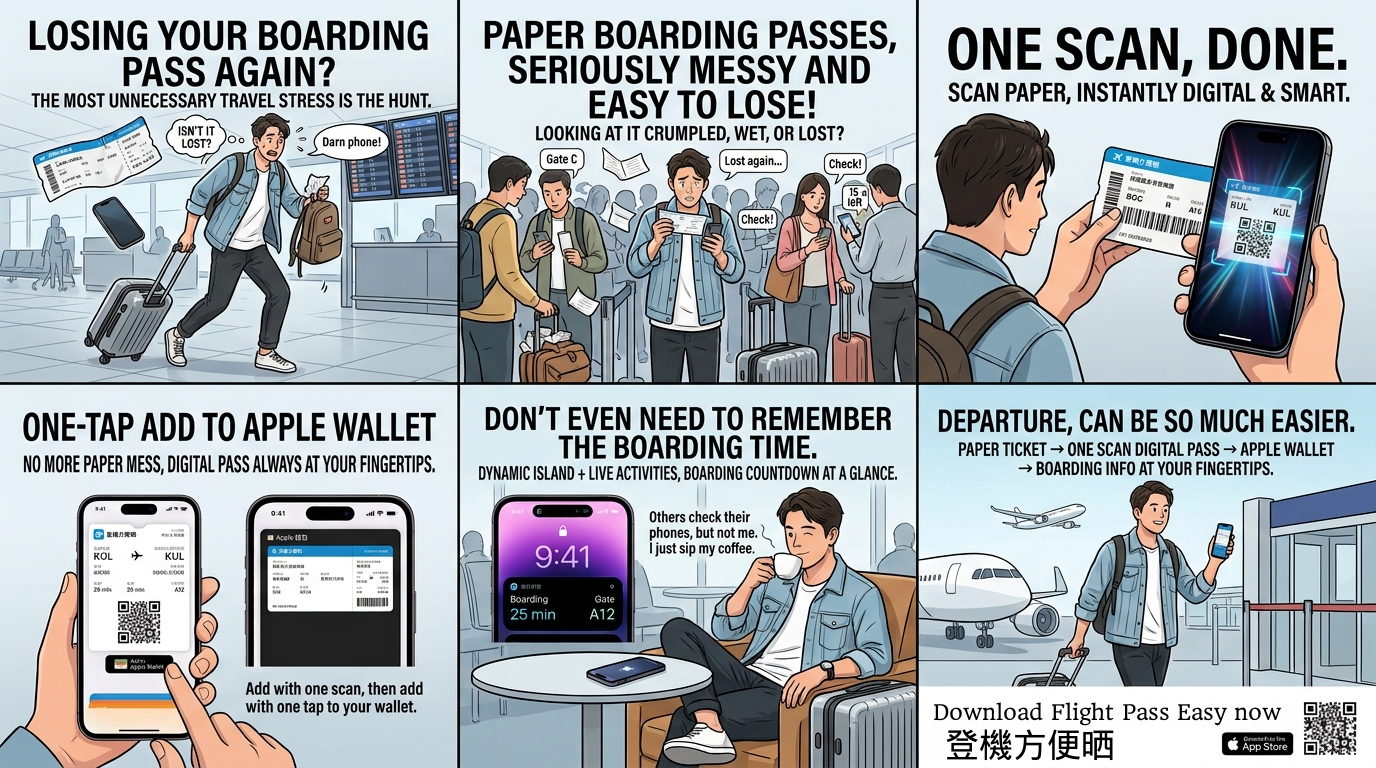
Welcome to the Flight Pass Easy — a simple tool that helps you create an Apple Wallet boarding pass.
🔍 What You Can Do
- Scan your boarding pass barcode using your phone’s camera.
- Automatically fill in flight details using the scanned data.
- Edit key info like name, seat, gate and time.
- Download the Apple Wallet pass for your trip.
📸 Scanning Tips
- Use a bright environment to improve recognition.
- Hold your boarding pass steady and flat.
- Align the barcode properly — QR Code, PDF417 and Aztec formats are supported.

ℹ️ Extra Info
- Your generated boarding pass includes location-based triggers, so you’ll be reminded when near the airport.
- Airport and airline names are auto-detected for clarity.
- No personal data is stored after pass generation.
- Works on most modern browsers (iOS Safari supported).
Need help? Get Your Guide or try the air ticket barcode below
Maradona ticket barcode
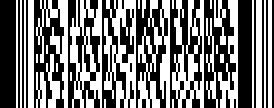
Michael Jackson ticket barcode